Skip to product information

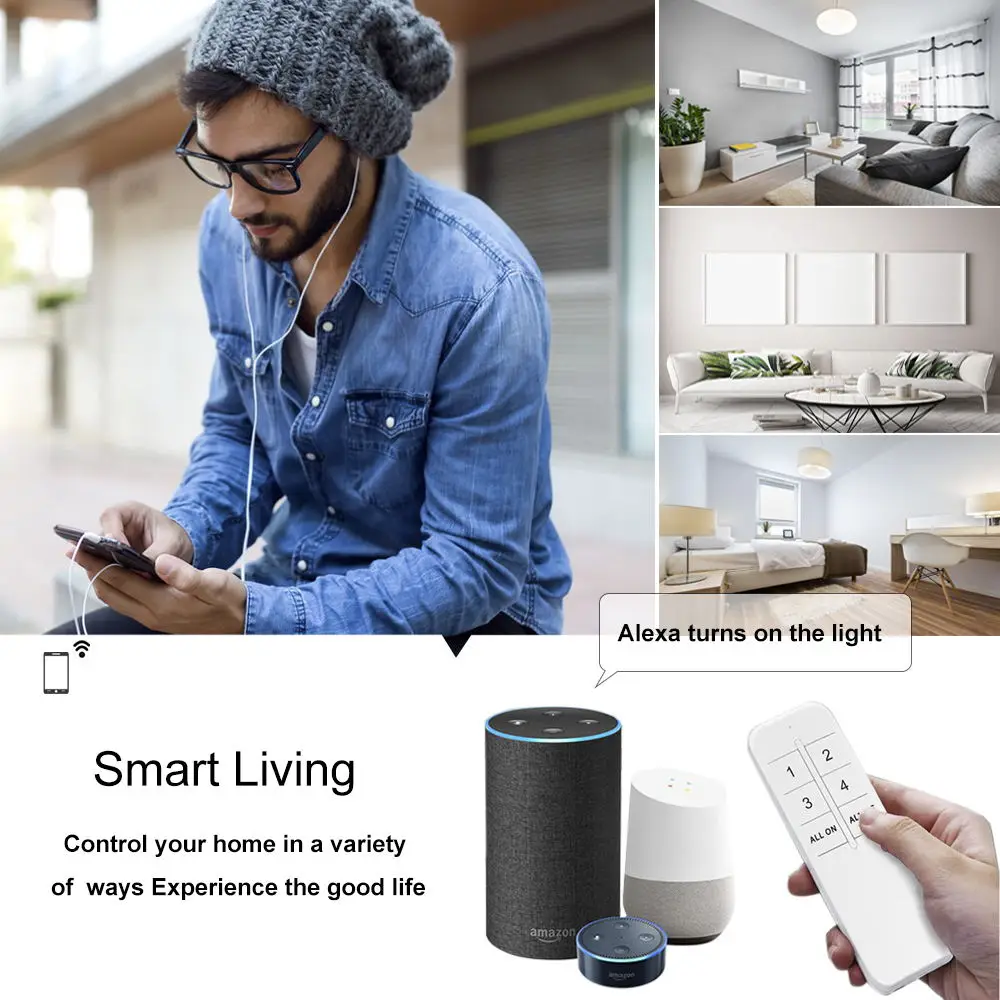

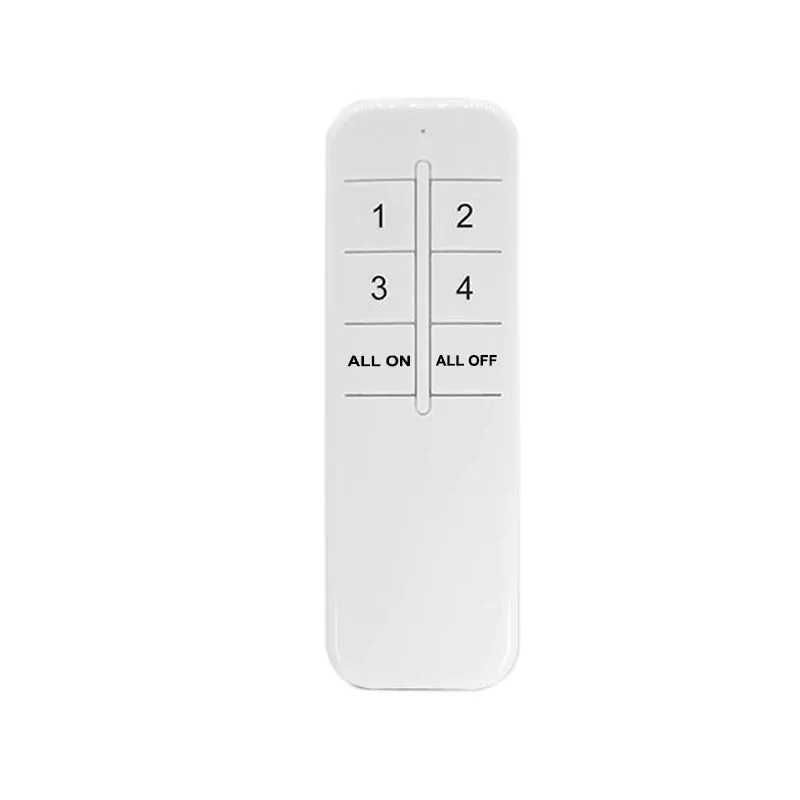
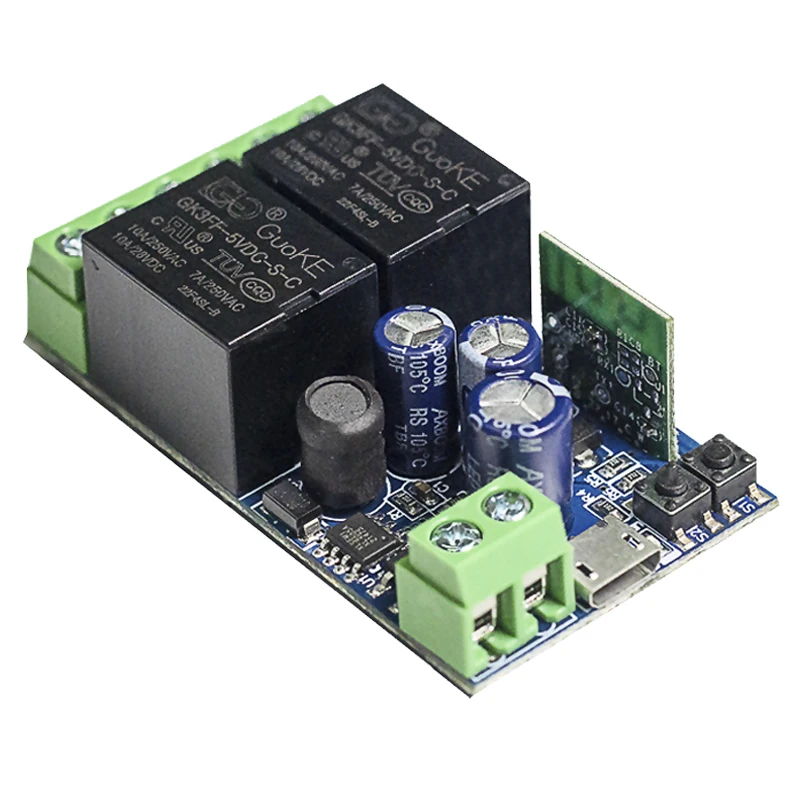
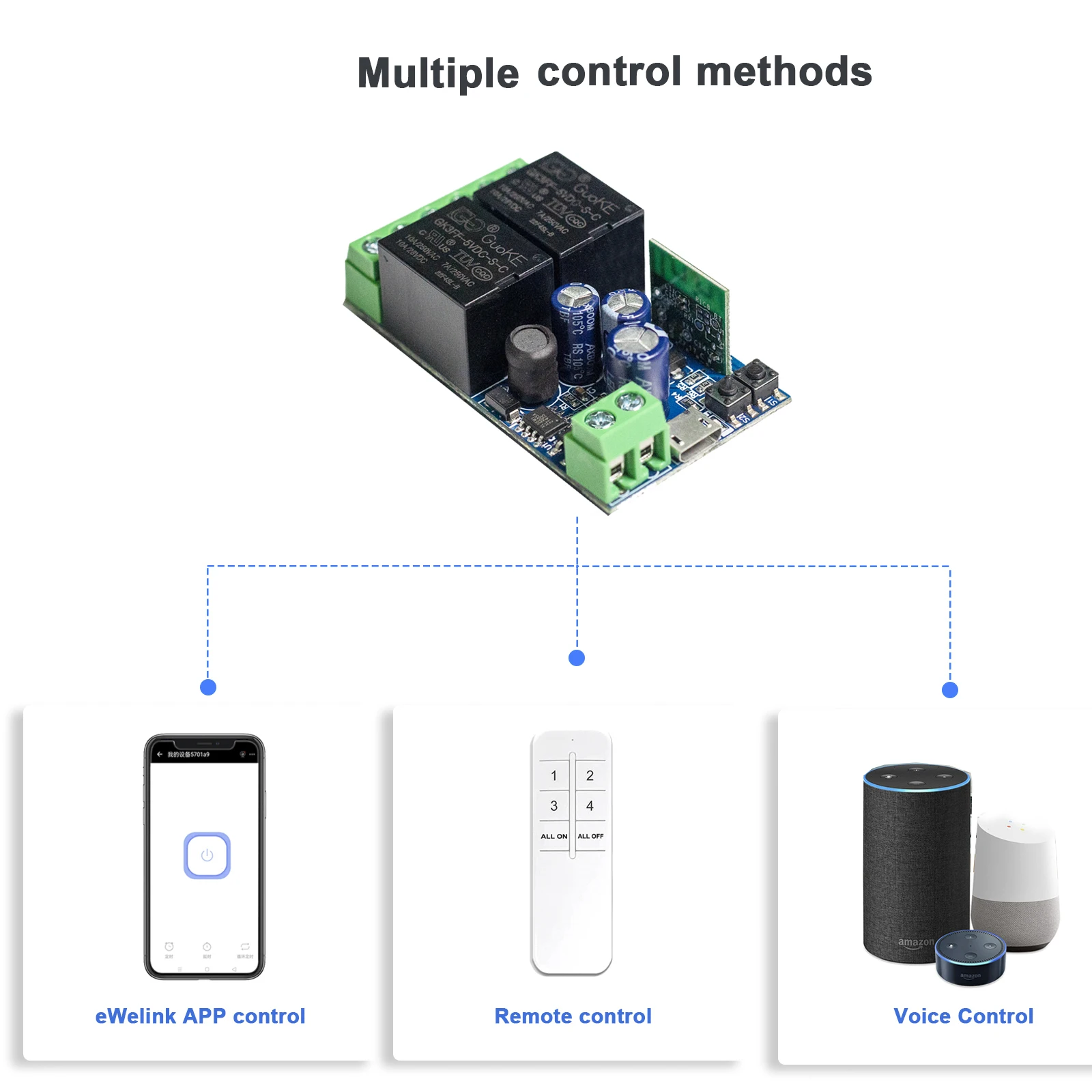
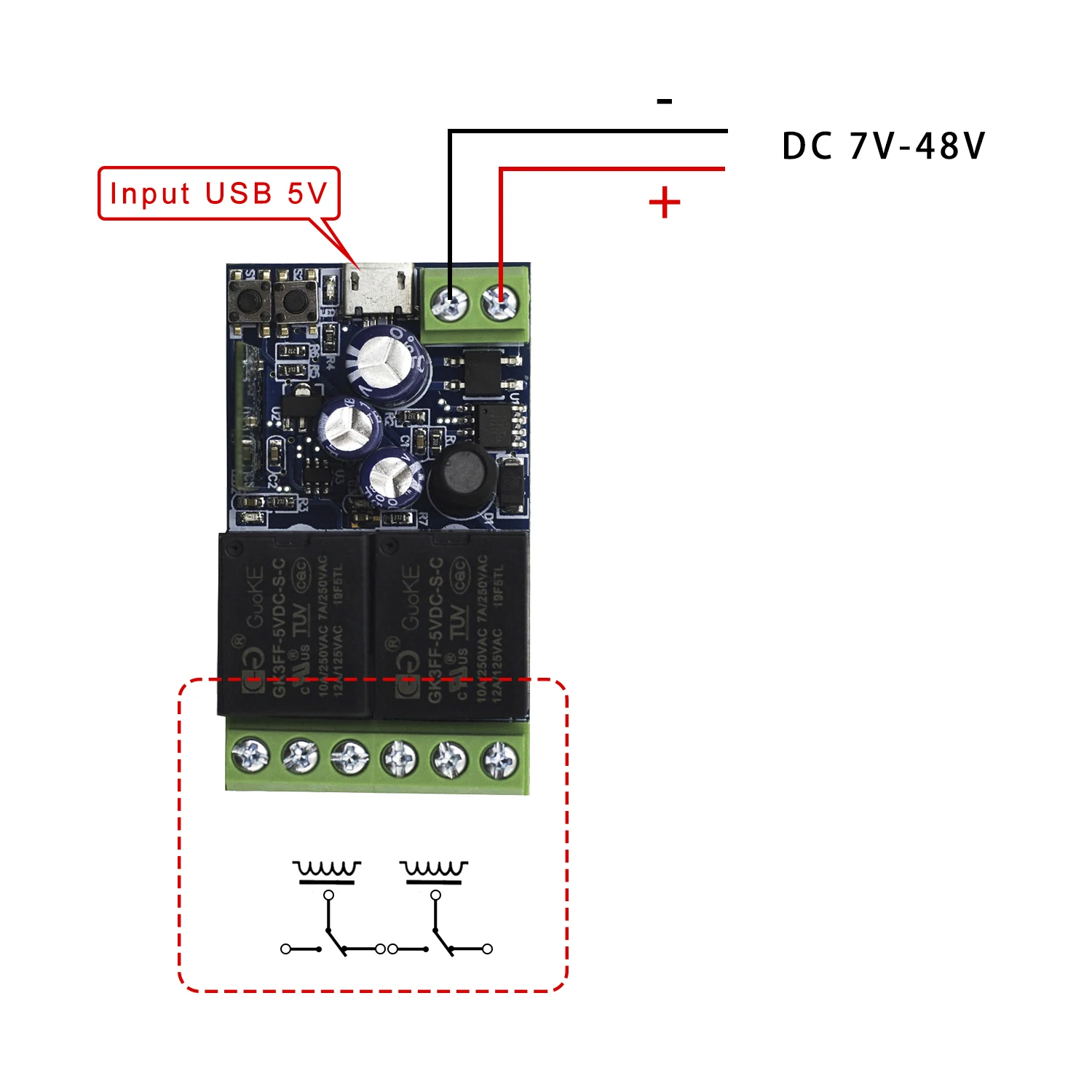
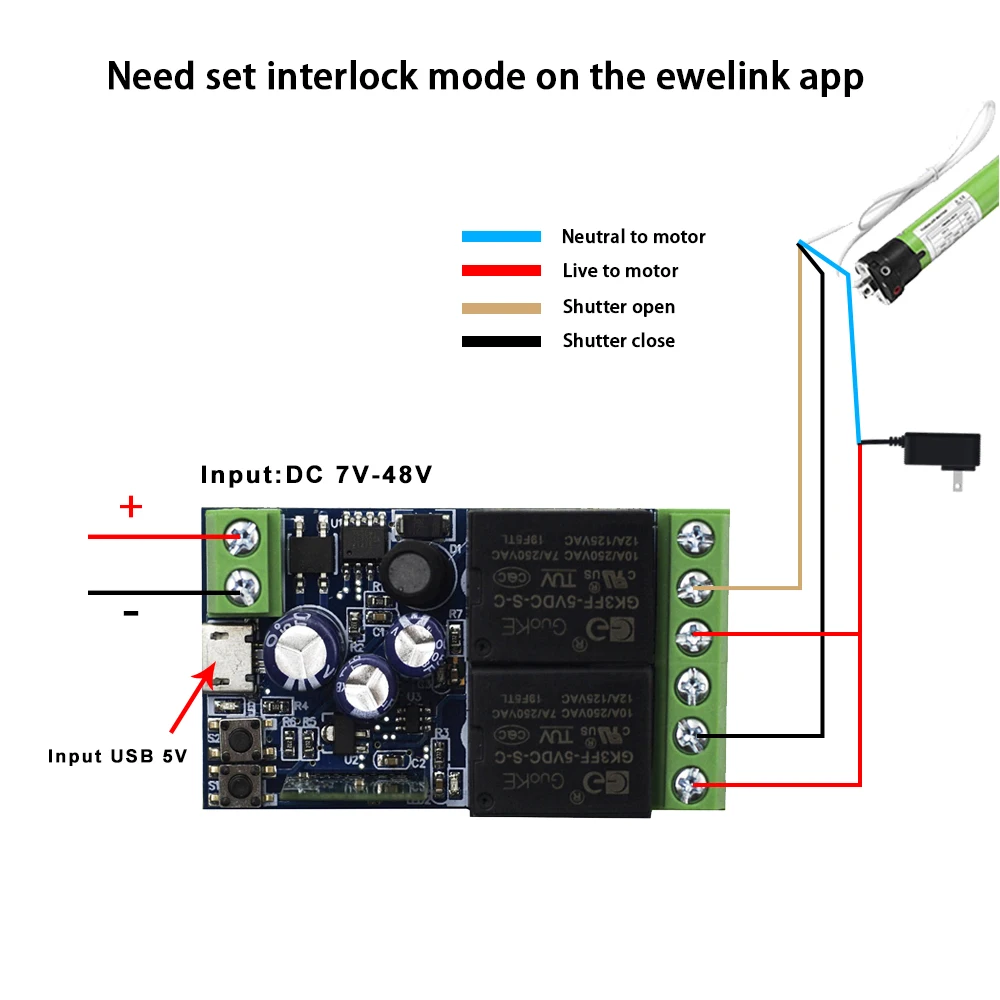

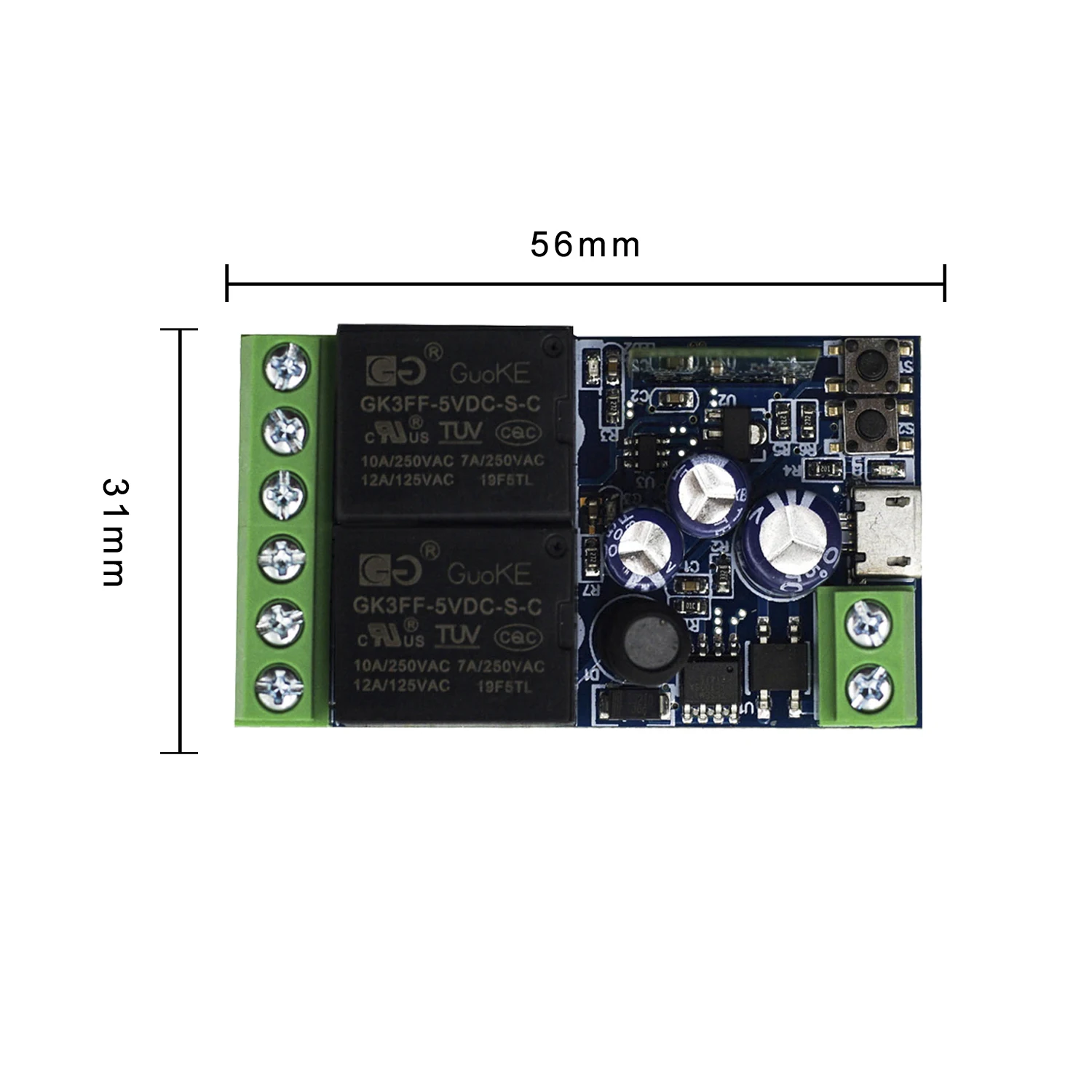


QIACHIP WiFi Smart Switch 10A DC 7-48V USB 5V 2 CH 2.4G RC with eWelink app Suitable for Curtain Motors Garage Doors LED Lights
Sale price
KSh14,312.93
Regular price
KSh15,903.26
SPECIFICATIONS
1: wifi smart switch
10: smart light switch
11: wifi connected switch
12: wifi smart circuit breaker
2: smart home
3: smart switch
4: alexa
5: domotica
6: interruptor inteligente wifi
7: controllers
8: switch on off
9: alexa smart home
Brand Name: QIACHIP
Certification: ce,ROHS,RoHS,CE
Choice: yes
Current: 10A
Features: WiFi Smart switch
High-concerned chemical: None
Is Smart Device: Yes
Item Type: SWITCHES
Material: Plastic
Model Number: KR0548-2CH-W-EW
Origin: Mainland China
Switch Type: APP Control
Warranty: 1 year
semi_Choice: yes
Controller specifications
FAQ
Q:After the device is successfully added, why does App display that it's offline and can't becontrolled?
A:After the device is addes successfully, it needs 1-2 minutes to connect the network. If it is still not online after a long time,please check Wi-Findicator to determine device status:
Blue indicator LED blinks quickly once per second:
Device isn't connected to your Wi-Fi.
@Maybe entered incorrect Wi-Fi password.
@It may be that the device is too far away from your router, the signal is too weak,or the environment has interference.Please put the device close to the router first,if there is no improvement, please cut off the power and re-add.
@The device cannot recognize 5G Wi-Fi,please select 2.4G
WiFi to re-add it.
@Make sure Mac address filtering is not enabled in your router settings. If one of the above attempts work, please use a another ohone to open a personal hotspot, try to re-add it. Blue indicator
LED blinks quickly twice per
second:it means that the device is connected to WiFi,but not connected to the Intemet.
Please confirm whether your WiFi connection network is stable and normal. If it frequently blinks twice per second,it means that your network is unstable,not product malfunction. If the network is normal, please power off and restart device.
Factory reset
Press and hold the pairing button for 5s until the LED indicator blinks twice.At this time,the device resets successfuly and enters the Bluetooth pairing mode again.
Note When changing to a new network, needs to restore the factory settings, and then reconnect to the new network